Subsection8.2.1Perform the Matrix Operations to Solve LOP problems in WebCAS
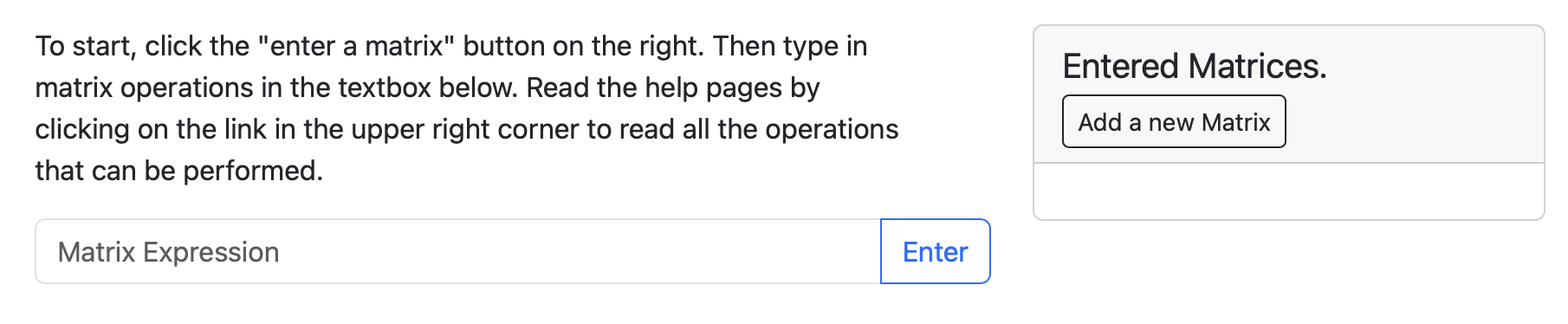
WebCAS not only performs row operations on matrices, but also the standard matrix operations. First go to the the Matrix Calculator section of WebCAS. There are two sections of this web page:
On the right side, there is a place to enter matrices. This is the place to start to enter a matrix or vector with a name. The Matrix Expression textbook is how operations are performed.
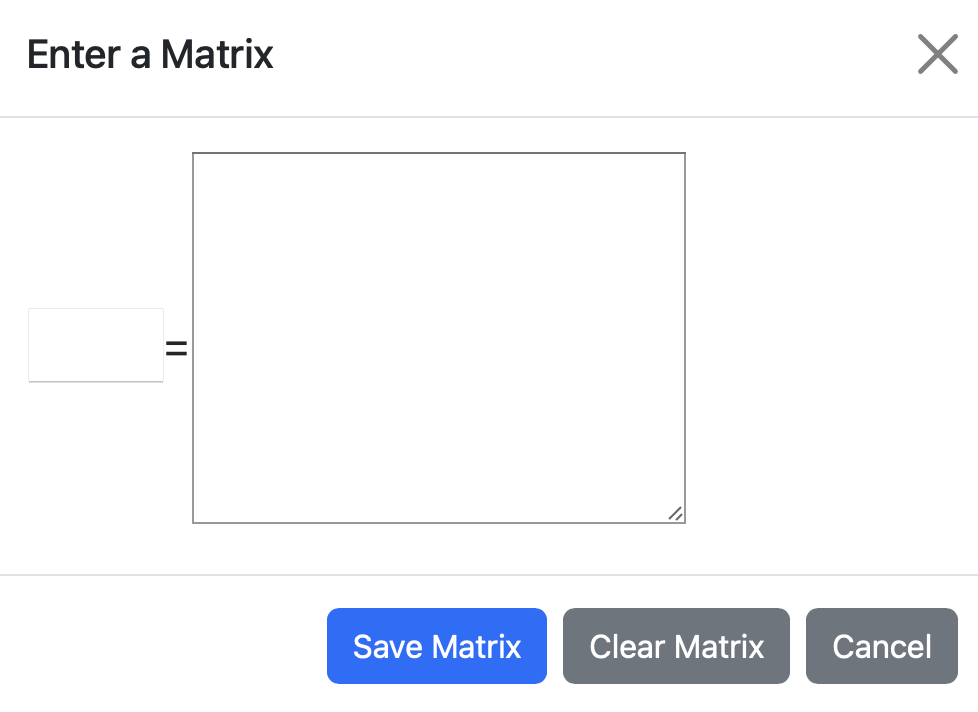
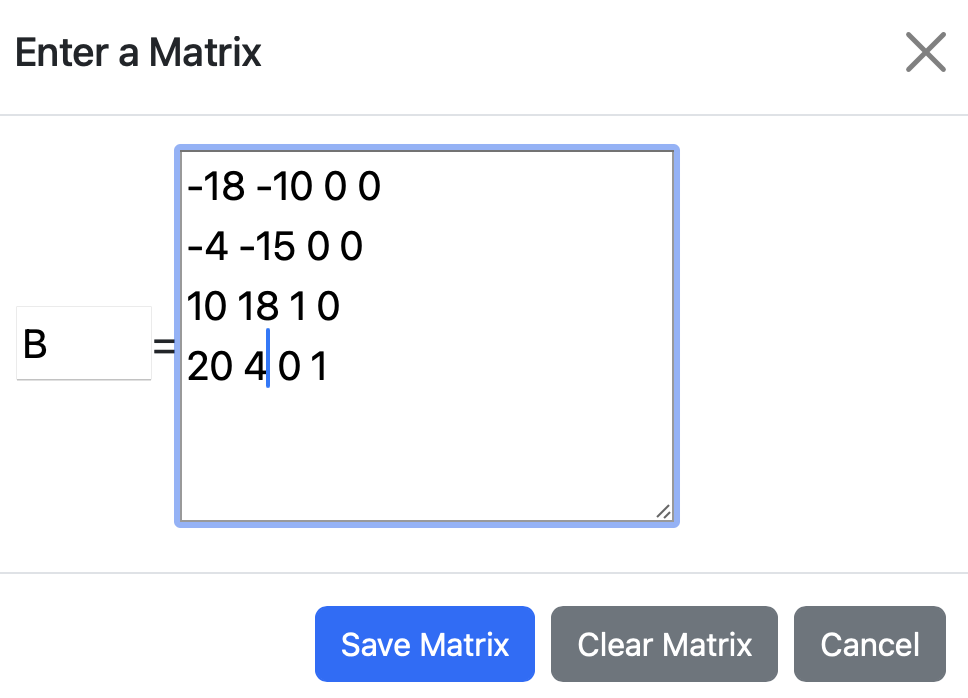
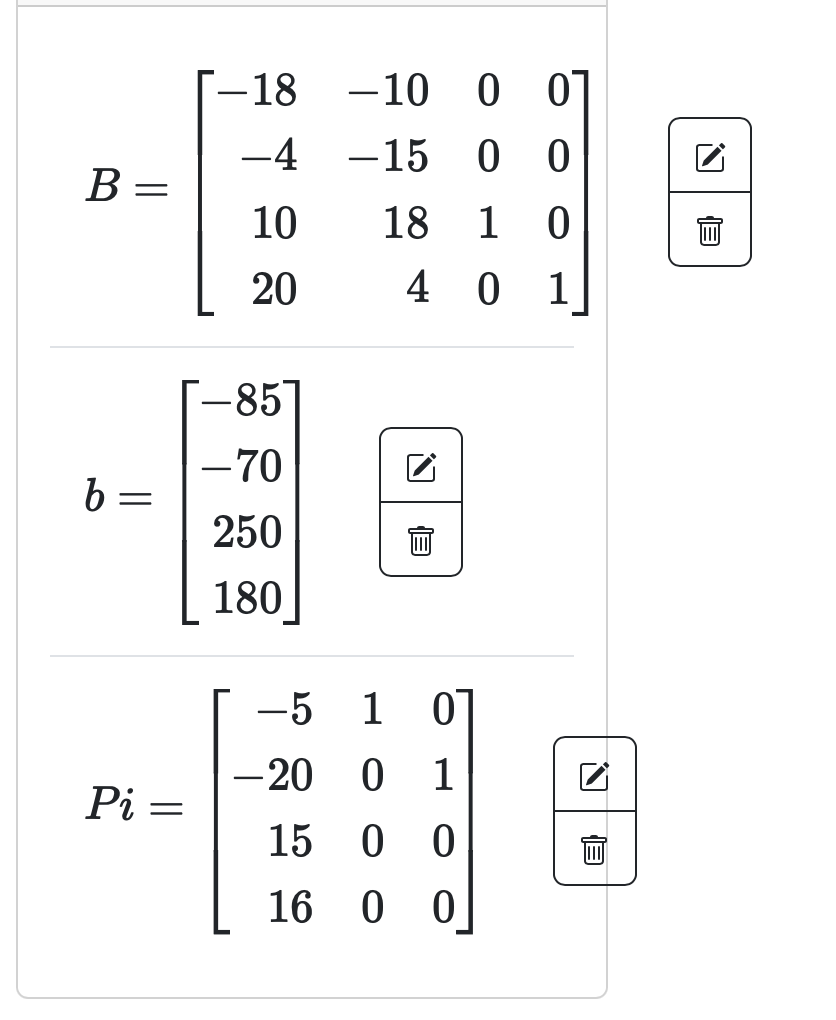
where the name of the matrix goes in the left (smaller) textbox and the matrix is entered in the right side in the same manner as that in the Gaussian Eliminator tool. That is, row by row with no commas or other separating characters. Click Save Matrix as you will see it rendered like a matrix in the Matrix Area on the right side. (Note: you can edit the matrix or delete it with the boxes on the right side of it. )
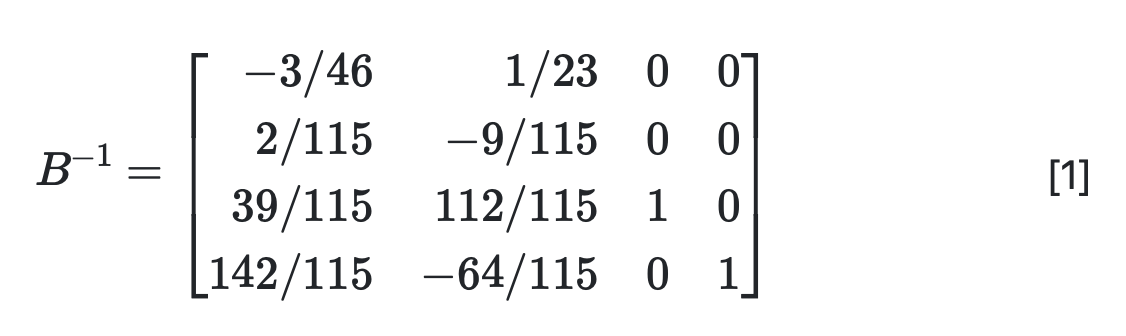
Next, let’s do an operation on B, specifically the inverse using inv(B) by entering this in the Matrix Expression textbook. Either click the Enter button or hit the return key. You will see the inverse as
Note a few things about this. First, the operation that was performed is shown. That is, \(B^{-1}\text{.}\) Next, the operation using fractions and finally, there is a [1] shown on the right side. We will be able to use this with other operations later.
Next, let’s add another vector and matrix. Add \(\boldsymbol{b}\) and \(\Pi\) from Example 8.1.3. For the vector, it is a column vector, so each number should be in a separate row. Also, use the name Pi as that we can’t put Greek letters in for matrix names. You should see:
Next, to continue with the calculations in Example 8.1.3, to compute \(B^{-1}\boldsymbol{b}\text{,}\) enter [1]*b, where [1] is the output on line 1. The output is the same as seen in Example 8.1.3. Note: the Matrix Operations tool does not perform implicit multiplication, so make sure you specifically enter * for all multiplications.
To finish with the last two steps, first enter \(\boldsymbol{c}_{\beta}\) and \(\boldsymbol{c}_{\pi}\text{.}\) Use the names cbeta and cpi and make sure that each element goes on a separate line.
To calculate \(\boldsymbol{c}^{\intercal}B^{-1}\boldsymbol{b}\text{,}\) first note that \(B^{-1}\boldsymbol{b}\) has already be computed and is in output [2]. We next need to compute \(\boldsymbol{c}_{\beta}^{\intercal}\text{,}\) which is the transpose of \(\boldsymbol{c}_{\beta}\text{.}\) This is done with cbeta' and returns
where the result is a 1 by 1 matrix, which should be interpreted as a scalar. 1
You probably also notice that there are many unneeded parentheses in the output. It’s a bit tricky to programmatically determine when a set of parentheses is needed.
Lastly, we also have the expression \(\boldsymbol{c}_{\beta}^{\intercal}B^{-1}\Pi - \boldsymbol{c}_{\pi}^{\intercal}\text{.}\) Some of these already exist, but note that these are all matrices (or actually row vectors) and if we first find \(B^{-1}\Pi\) using [1]*Pi and this returns:
Subsection8.2.2Using Julia to perform Matrix Operations in solving LOP problems.
In the previous section, we used WebCAS to perform the matrix operations from Section 8.1. Although it performed nicely to calculate matrixes with fractions instead of floating point, we needed to break down the steps in order to get it to perform well. Also, as we will see, the same steps are performed with a different basis each time and in WebCAS, the steps will need to be retyped in.
Alternatively, this section shows how to perform the steps in Julia, which allows some scripting and in the long term is easier to use with some setup.
To begin with, we will define A, b and c to be the standard coefficient matrix, right-hand side and objective function. In the case of Example 8.1.4 define
where you can create β with \beta and then hit tab (in a julia notebook). The parameters, π, is the variables not in the basis which can be generated with
where the collect(1:7) generates the vector of all integers between 1 and 7. The setdiff function will return all the numbers between 1 and 7 that are not in β.
B = rationalize.(hcat(A, I)[:, β])
Π = hcat(A, I)[:, π]
where the hcat function performs a horizontal concatenation between \(A\) and the identity matrix. The [:,β] returns only the columns in β and simiilarly for π. The rationalize function takes each integer and converts it to a rational number. This is helpful for creating an inverse that is rational and the . is for broadcasting, but the matrix Π is never inverted, so we don’t need to use rationalize. If both commands are in a single cell, only the last one will be echoed to the screen or
To find \(\boldsymbol{c}_{\beta}^{\intercal}B^{-1}\boldsymbol{b}\text{,}\) enter c[β]'*inv(B)*b and it returns 388//1, which is the rational (fraction) version of 388, which we found above.
which is a bit complicated (it’s saying it is an adjoint, which is a general transpose). The important thing is that it is a row vector of length 3 and the same that we got above and in the exercise.